Managing Log Levels for Portal Processes
The Log Levels page manages the logs generated for Live Platform Operation Center portal processes. You can configure the "Primary" log level for each process and also configure a "Secondary" log level as a default to prevent scenarios where message overload congests the server. For example, if the log level for the "Alarms:ReSync" component is configured with the "Info" type, you can configure the default log level as "Error". In the event where "Info" log messages for this event flood the server, after a configured time interval, the "Info" messages are no longer generated; log messages for this component are only generated for "Error" type.
|
1.
|
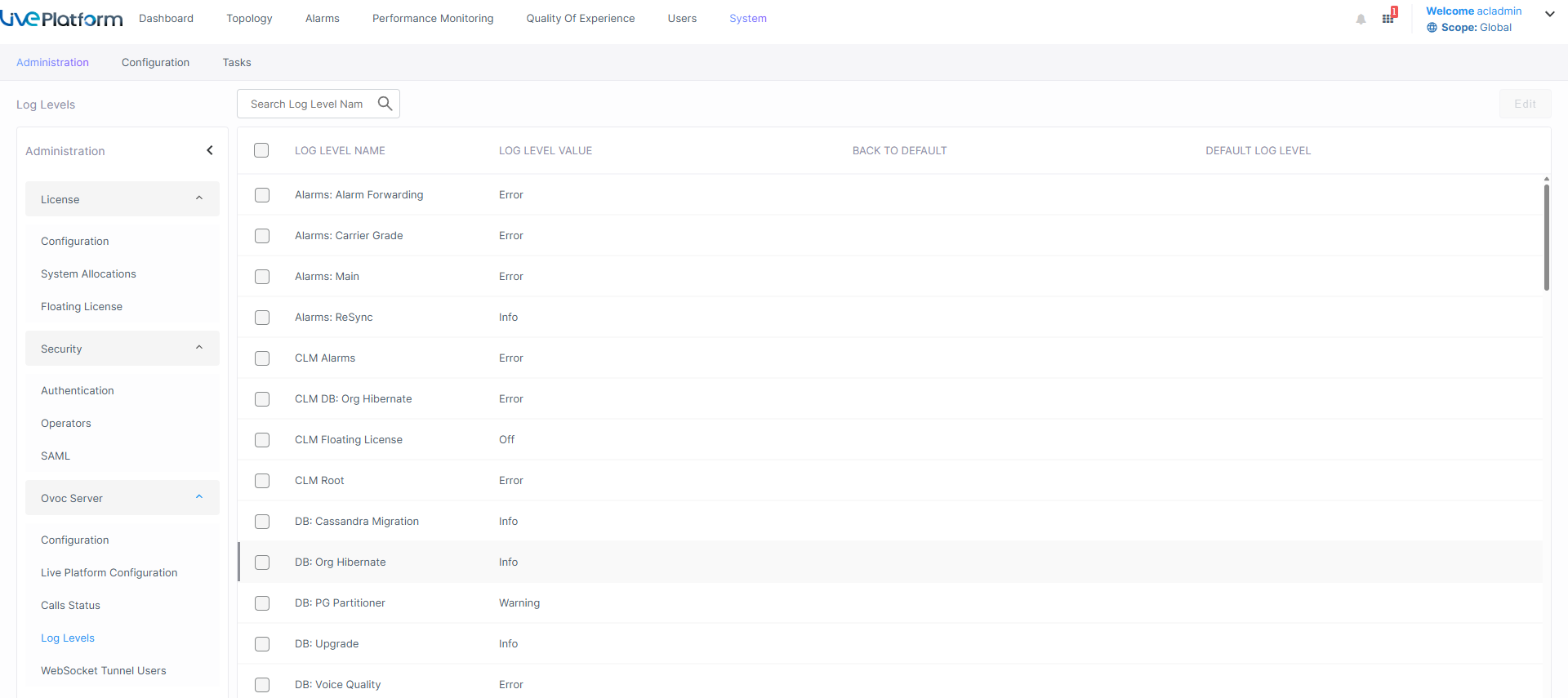
Open the Server Calls Status page (System > Administration > OVOC Server > Log Levels). |
|
2.
|
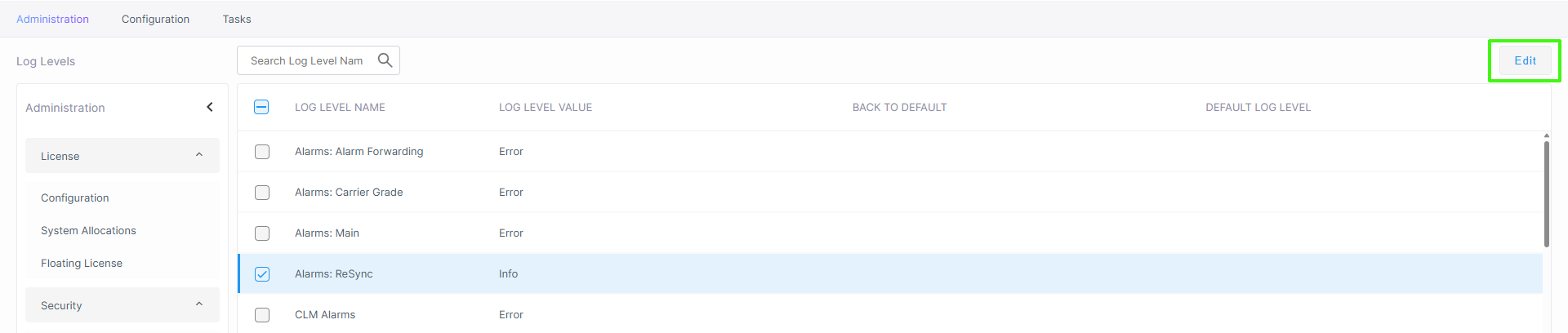
Select the Log Level that you wish to edit, and the click Edit. |
|
3.
|
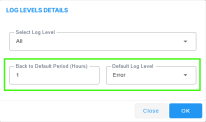
From the drop-down, select the relevant Log Level to filter and then click OK. |
|
4.
|
In the Default Log Level drop-down, select the default log level. |
|
5.
|
In the "Back to Default Period (Hours)" box enter the time in hours to revert the log level to the default value configured by parameter "Default Log Level". |